7
JOD500
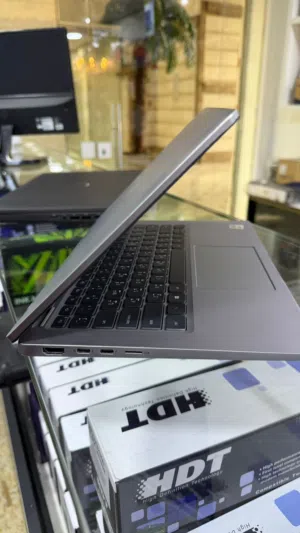
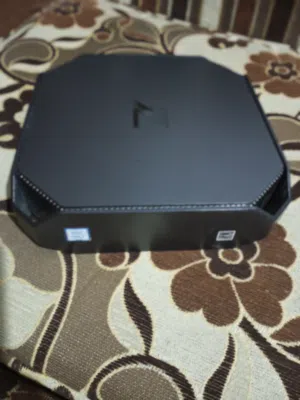
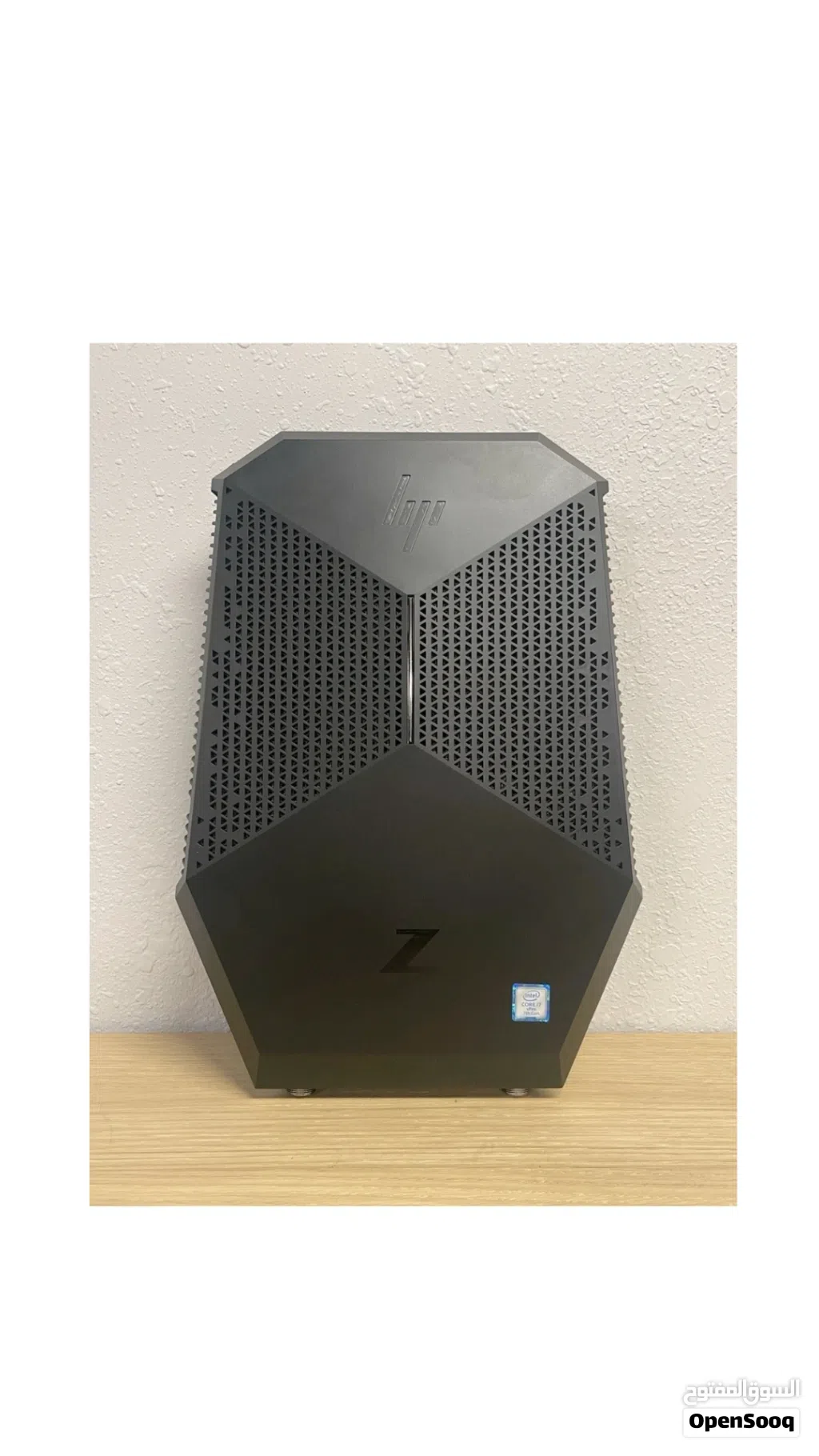
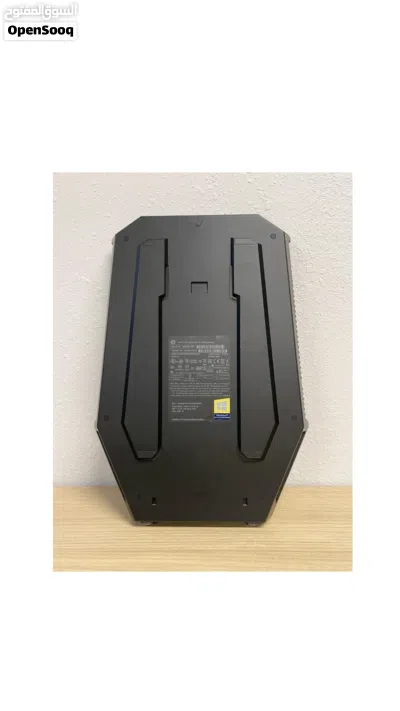
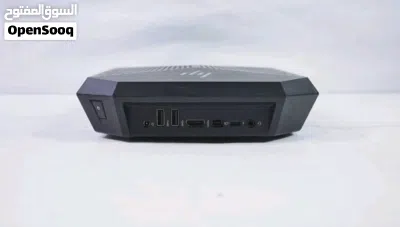
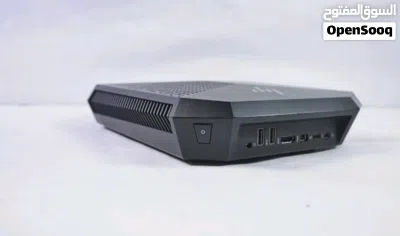
hp z vr workstation core i7 gen 7 HQ
Description
Nvidia quadro p 520016 GB
16 ram ddr4
HP Z VR Backpack G1
الجهاز مزود بـ NVENC (معالج ترميز مدمج في P5200) وهذه ميزة مهمة جداً للستريمنج.
برامج البث المباشر
1. OBS Studio — الأفضل والمجاني
يدعم NVENC بشكل كامل، حيث يُحوّل عملية الترميز من المعالج إلى الكرت مما يُحسّن الأداء بشكل كبير. (Streamlabs) يعمل مع Twitch وYouTube وFacebook Live.
2. Streamlabs Desktop — OBS + واجهة أسهل
نفس مزايا OBS مع تصميم أبسط للمبتدئين
دعم كامل لـ NVENC
3. XSplit Broadcaster — احترافي
واجهة متقدمة لمن يريد تحكماً أكثر
جودة البث المتوقعة
كرت Pascal (مثل P5200) يؤدي بشكل قوي جداً في الترميز ويبقى متنافساً مع الترميز البرمجي عبر المعالج. (Chips and Cheese)
الدقة
الجودة
1080p @ 60fps
ممتازة
1440p
جيدة جداً
4K
ممكنة بإعدادات مناسبة
الإعداد الموصى به في OBS
Encoder: NVENC (H.264)
Bitrate: 6000 كيلوبت (Twitch) أو أعلى (YouTube)
Preset: Quality أو Max Quality: البرامج التي تعمل بسلاسة على HP Z VR Backpack G1 (P5200)
الواقع الافتراضي — الاستخدام الأساسي للجهاز
SteamVR — يعمل بامتياز مع HTC Vive
HP Windows Mixed Reality — متوافق رسمياً
Unreal Engine (وضع VR)
Unity (تطوير VR)
Varjo و Immersive Display للمحاكاة المهنية
التصميم والهندسة (معتمدة ISV)
AutoCAD / Revit / 3ds Max / Maya — تعمل بشكل ممتاز
SOLIDWORKS و CATIA
PTC Creo و Siemens NX
Rhino 3D و SketchUp Pro
تحرير الفيديو والإنتاج
Adobe Premiere Pro و After Effects
DaVinci Resolve — يستفيد جداً من الـ 16 GB VRAM
Cinema 4D
Nuke (برنامج VFX احترافي)
: المجالات المهنية المتخصصة
محاكاة طبية (Surgical Theater, Osso VR)
تدريب صناعي (Scope AR, PTC Vuforia)
معمارية وبناء (IrisVR, Enscape)
نفط وغاز (محاكاة حقول ثلاثية الأبعاد)
16 ram ddr4
HP Z VR Backpack G1
الجهاز مزود بـ NVENC (معالج ترميز مدمج في P5200) وهذه ميزة مهمة جداً للستريمنج.
برامج البث المباشر
1. OBS Studio — الأفضل والمجاني
يدعم NVENC بشكل كامل، حيث يُحوّل عملية الترميز من المعالج إلى الكرت مما يُحسّن الأداء بشكل كبير. (Streamlabs) يعمل مع Twitch وYouTube وFacebook Live.
2. Streamlabs Desktop — OBS + واجهة أسهل
نفس مزايا OBS مع تصميم أبسط للمبتدئين
دعم كامل لـ NVENC
3. XSplit Broadcaster — احترافي
واجهة متقدمة لمن يريد تحكماً أكثر
جودة البث المتوقعة
كرت Pascal (مثل P5200) يؤدي بشكل قوي جداً في الترميز ويبقى متنافساً مع الترميز البرمجي عبر المعالج. (Chips and Cheese)
الدقة
الجودة
1080p @ 60fps
ممتازة
1440p
جيدة جداً
4K
ممكنة بإعدادات مناسبة
الإعداد الموصى به في OBS
Encoder: NVENC (H.264)
Bitrate: 6000 كيلوبت (Twitch) أو أعلى (YouTube)
Preset: Quality أو Max Quality: البرامج التي تعمل بسلاسة على HP Z VR Backpack G1 (P5200)
الواقع الافتراضي — الاستخدام الأساسي للجهاز
SteamVR — يعمل بامتياز مع HTC Vive
HP Windows Mixed Reality — متوافق رسمياً
Unreal Engine (وضع VR)
Unity (تطوير VR)
Varjo و Immersive Display للمحاكاة المهنية
التصميم والهندسة (معتمدة ISV)
AutoCAD / Revit / 3ds Max / Maya — تعمل بشكل ممتاز
SOLIDWORKS و CATIA
PTC Creo و Siemens NX
Rhino 3D و SketchUp Pro
تحرير الفيديو والإنتاج
Adobe Premiere Pro و After Effects
DaVinci Resolve — يستفيد جداً من الـ 16 GB VRAM
Cinema 4D
Nuke (برنامج VFX احترافي)
: المجالات المهنية المتخصصة
محاكاة طبية (Surgical Theater, Osso VR)
تدريب صناعي (Scope AR, PTC Vuforia)
معمارية وبناء (IrisVR, Enscape)
نفط وغاز (محاكاة حقول ثلاثية الأبعاد)
AI Tags

Section: MarketplaceCategory: ElectronicsType: LaptopListing Type: For SaleSeller Type: Individual SellerFeatures: vr readyFeatures: High PerformanceFeatures: professional workstationCondition: UsedColor: BlackBrand: HPModel: z vr workstationStorage: 512 GB SSDScreen Size (Inches): 15.6 inchesRAM: 16 GB
Frequently Asked Questions
How many listings are there in Intel?
What's the safest method to contact advertisers?
How can I arrange a safe meeting and verify the product quality?

Mahmood alqadiReply to chat within two days
3.1
13-01-2016
General Tips
- Only meet in public places
- Never pay or transfer money in advance
- Inspect the product before you buy it
Sell Anything on OpenSooq
Do you have a similar Listing?
Add New Listing

Want more views?
Promote or Repost your listing
Explore More